Fitness Fortress

UX Research & Design

Project Summary

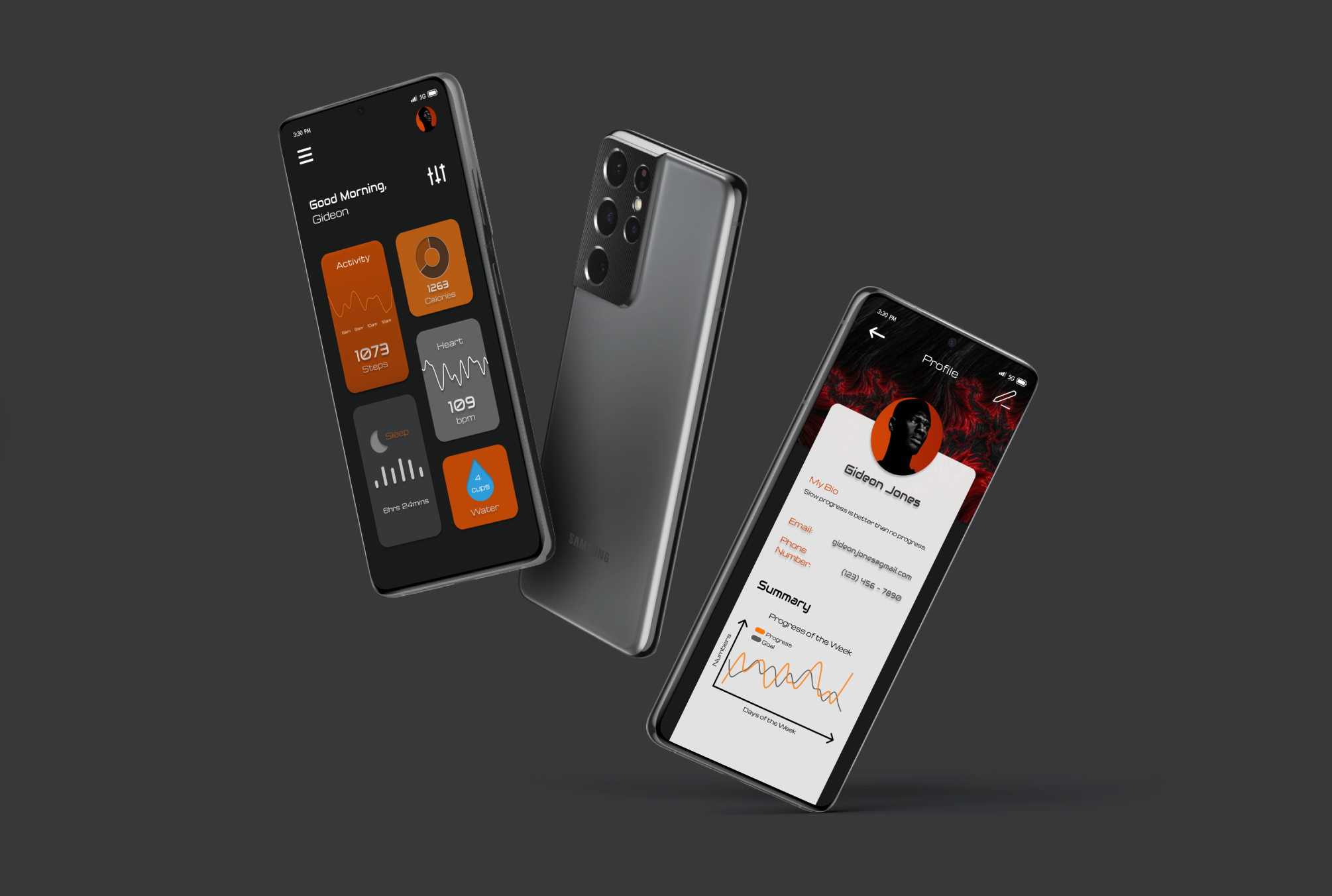
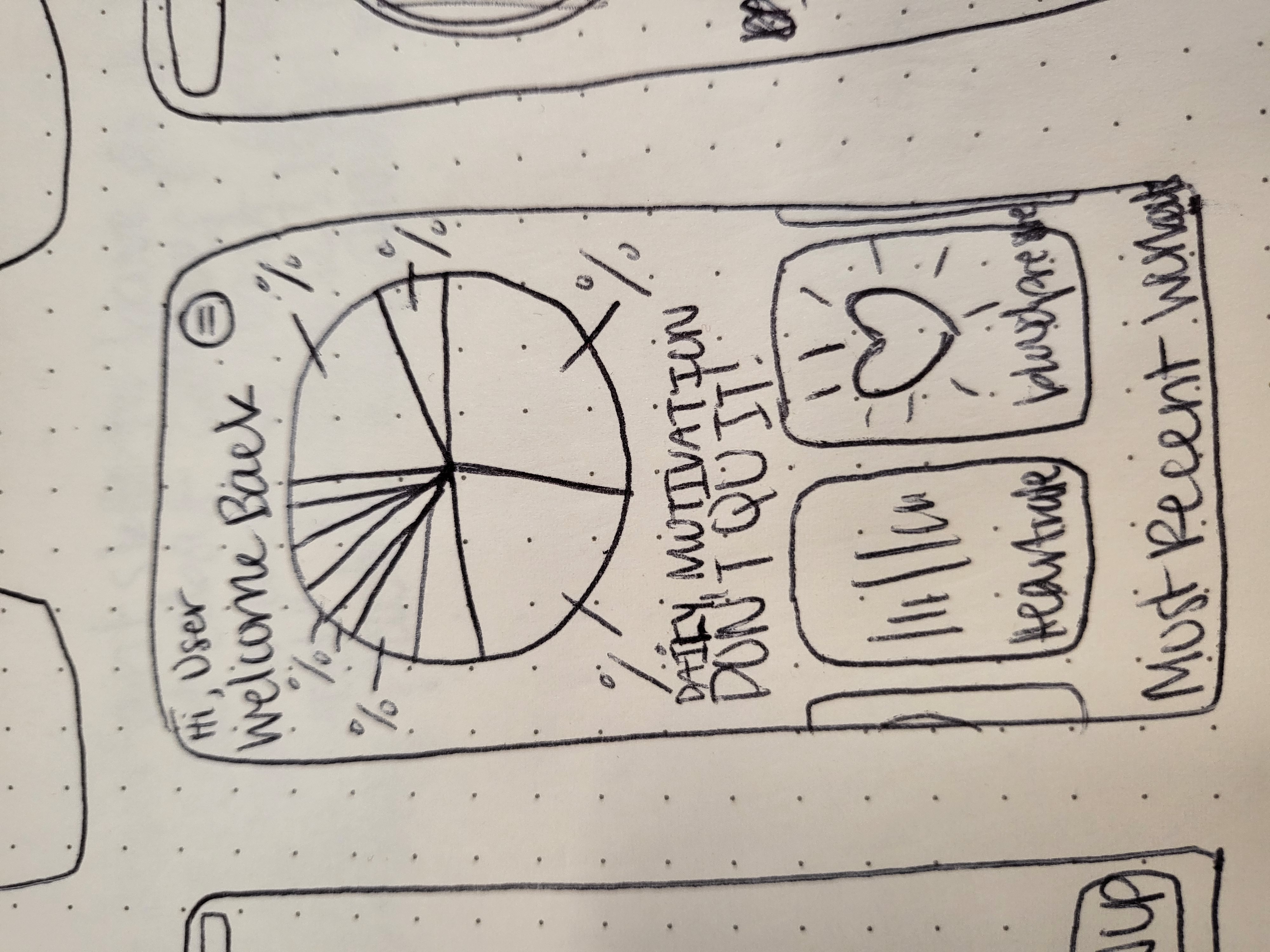
Fitness Fortress is an app that focuses on tracking the health and fitness of users with the support of a customizable dashboard displaying a user’s progress and their personalized workout recommendations. With a calorie and water tracking feature, the app allows users to select their diet plan and catalog their food.

My Role

UX/UI Designer & Researcher

Tools

  • Directed Storytelling
  • Affinity Diagramming
  • Low-fidelity Sketches
  • Mid-fidelity Prototype
  • Interactive Prototype

Deliverables

  • Directed Storytelling & User Goal Statement
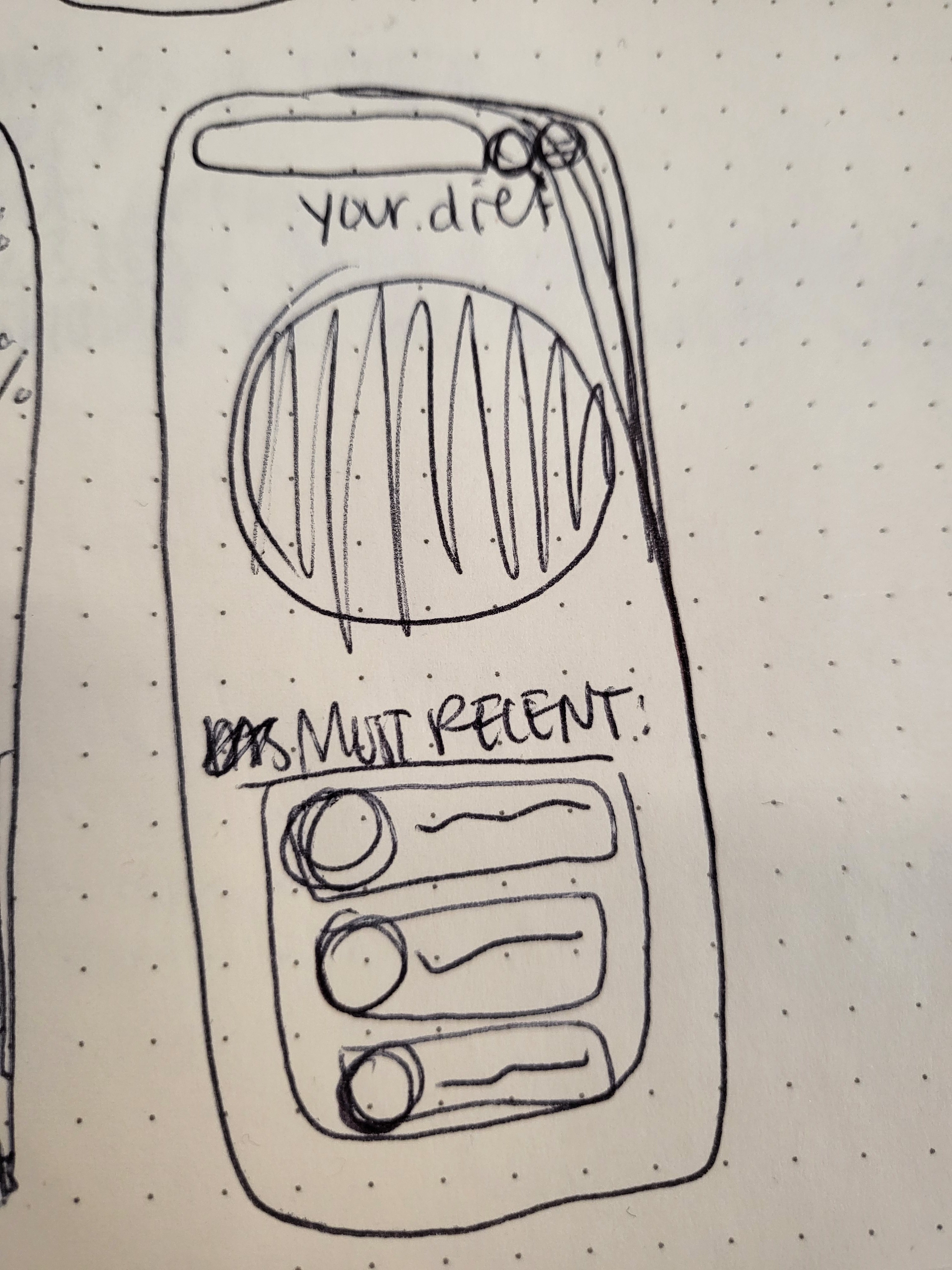
  • Sketched Wireframes
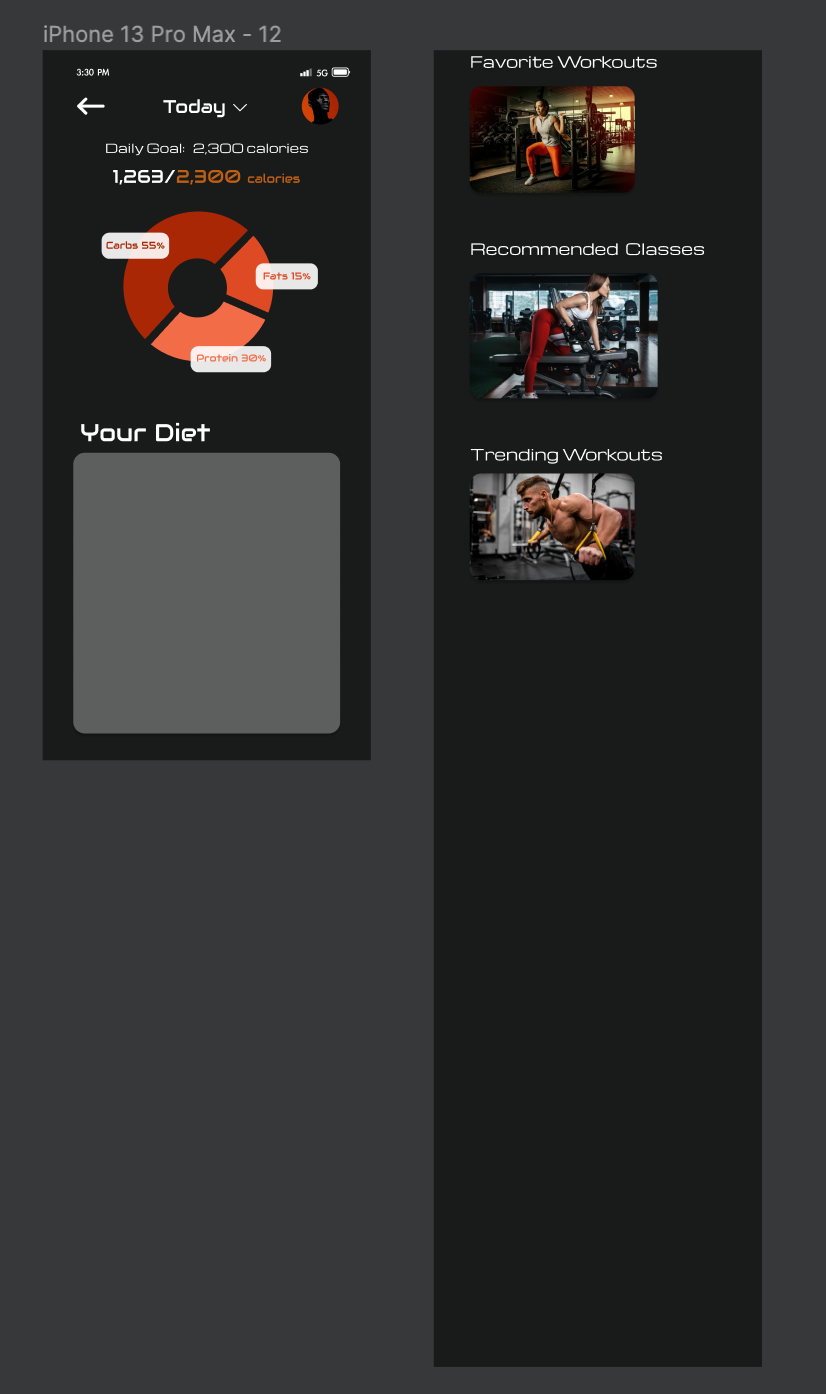
  • Digital Wireframes
  • Interactive Prototype
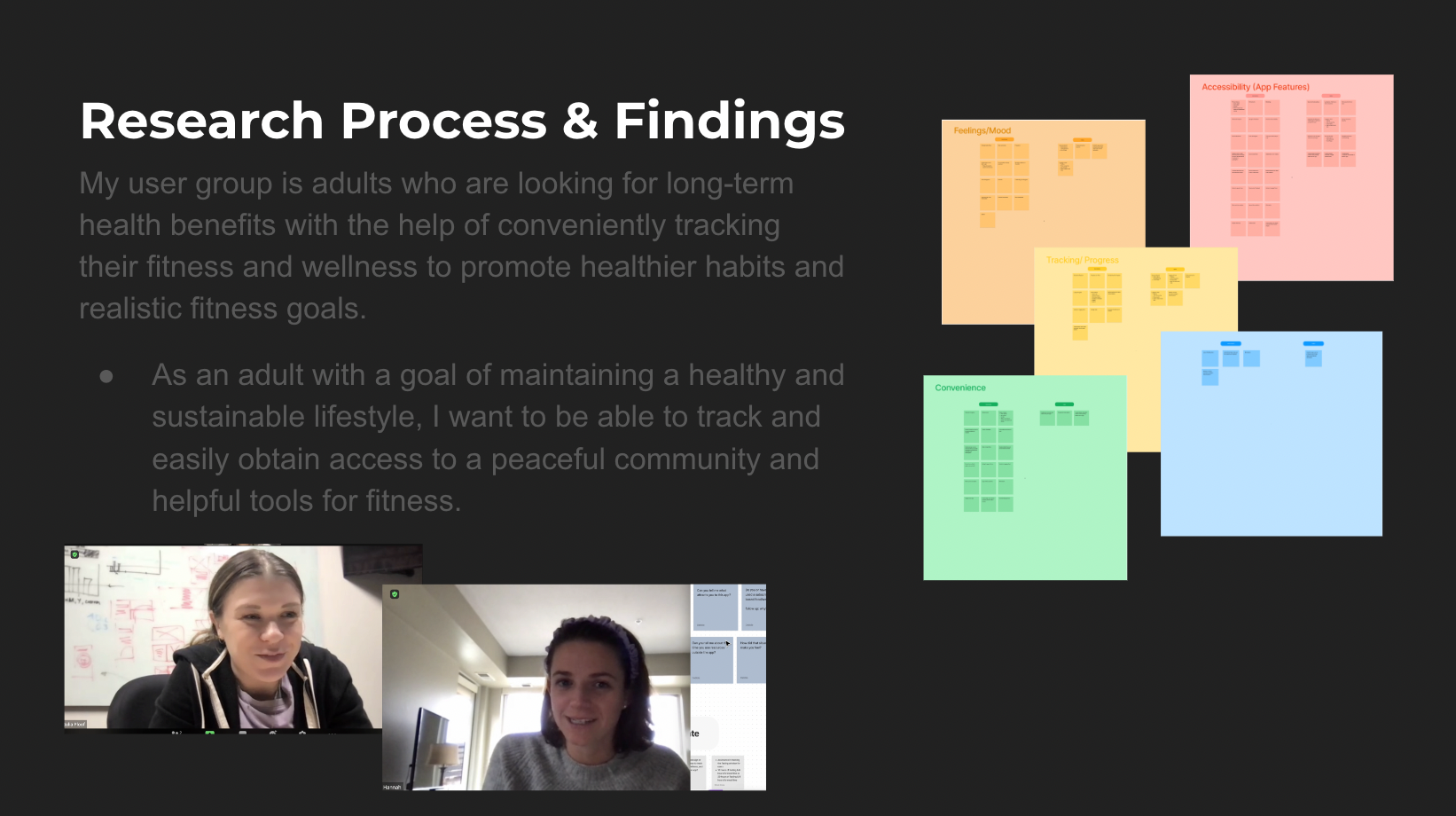
  • Prototype Presentation

Directed Storytelling

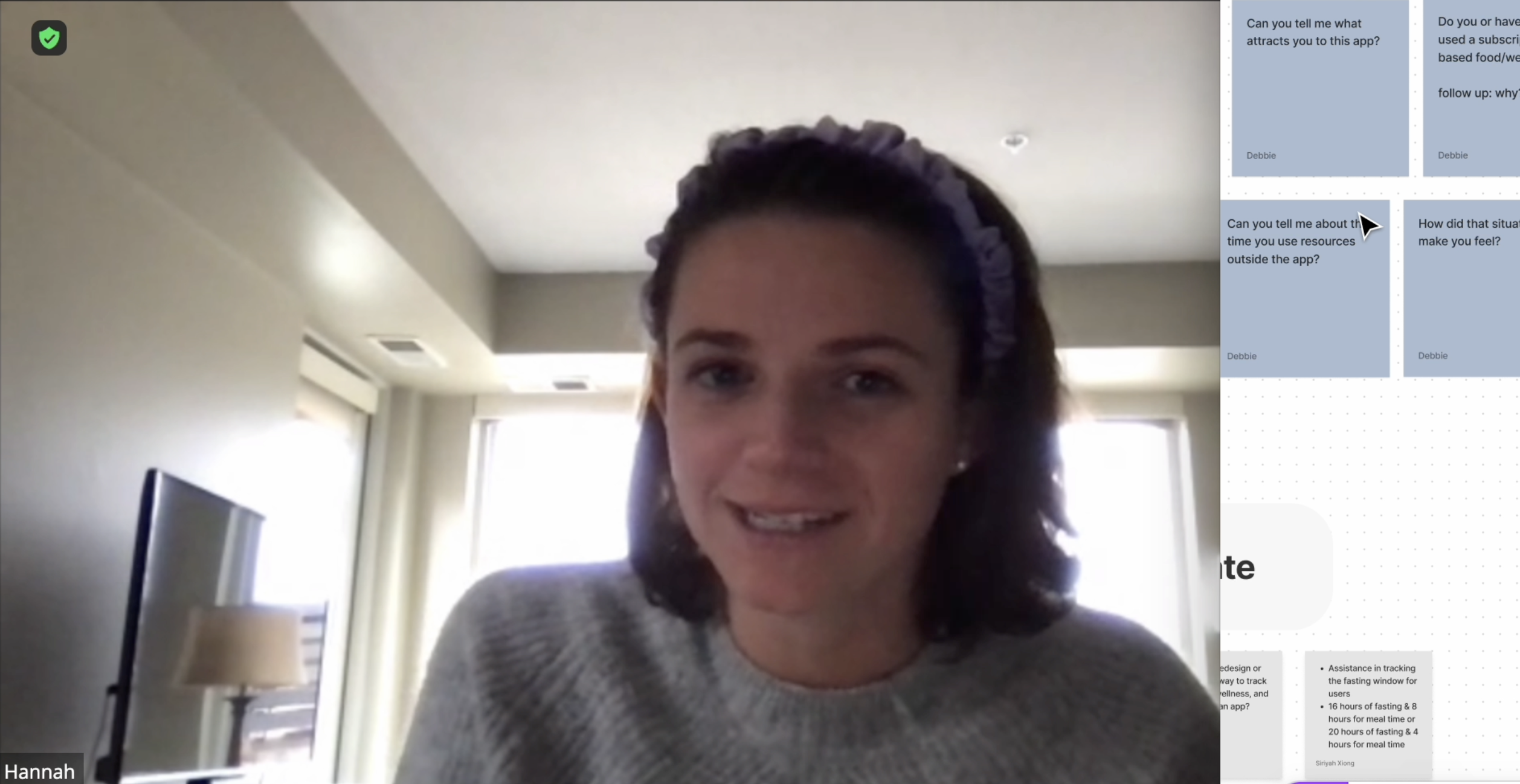
I created a script specifically tailored to fitness app users to observe and document my findings to better understand the perspective of a fitness app user.

User Goal Statement

Based off of my findings, my user group are adults looking for long-term health benefits with the help of conveniently tracking their fitness and wellness to promote healthier habits and realistic fitness goals.

Affinity Diagramming

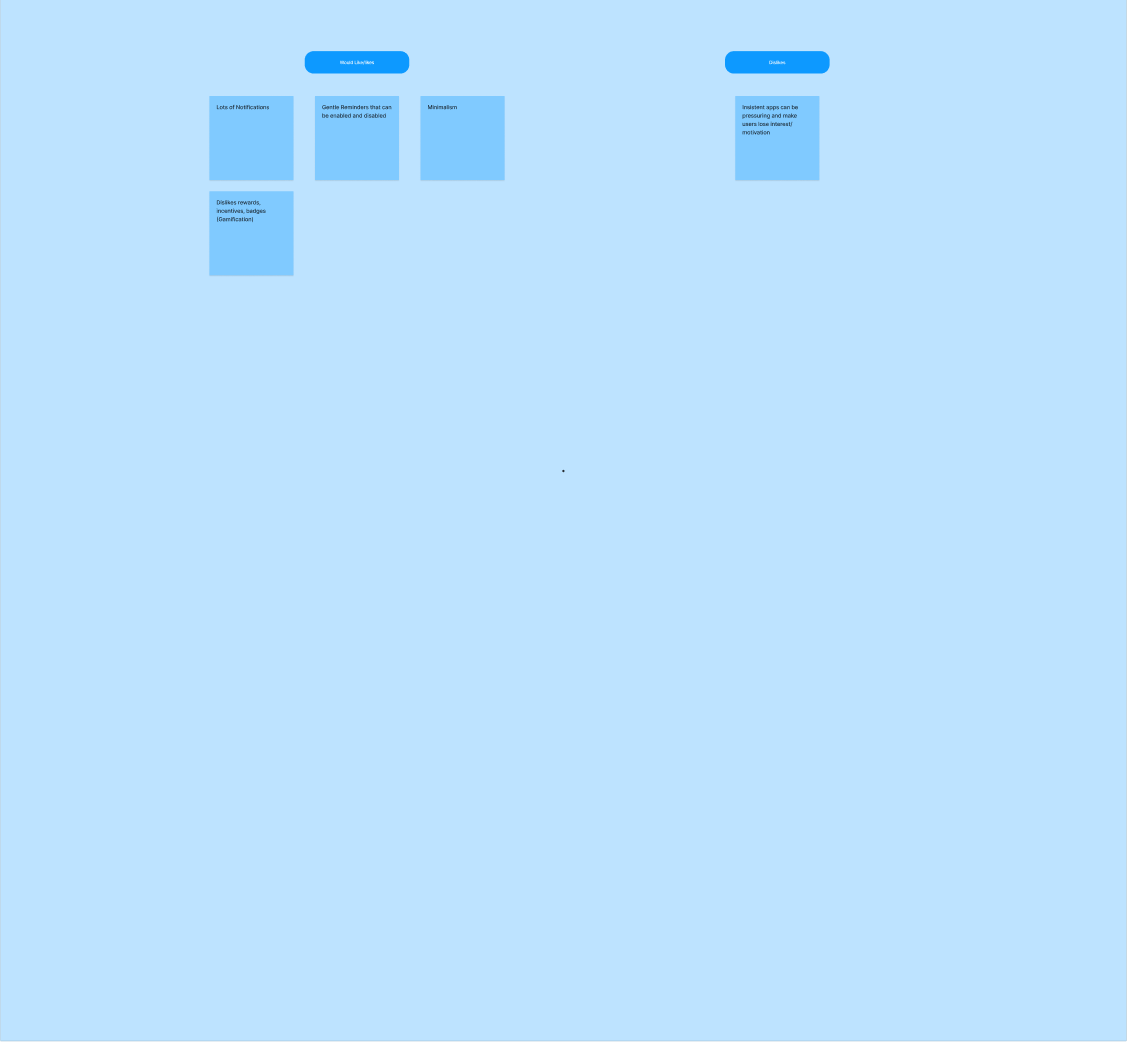
Using the notes I had taken during the interviews, I created a list of my findings and categorized them into reoccurring themes that I took notice in.

Here are my organized notes in their prospective themes that I created.

This image displays the notes that related to the common theme: Accessibility. I segregated the many tiles into two sections presenting the Pros and Cons of that theme.
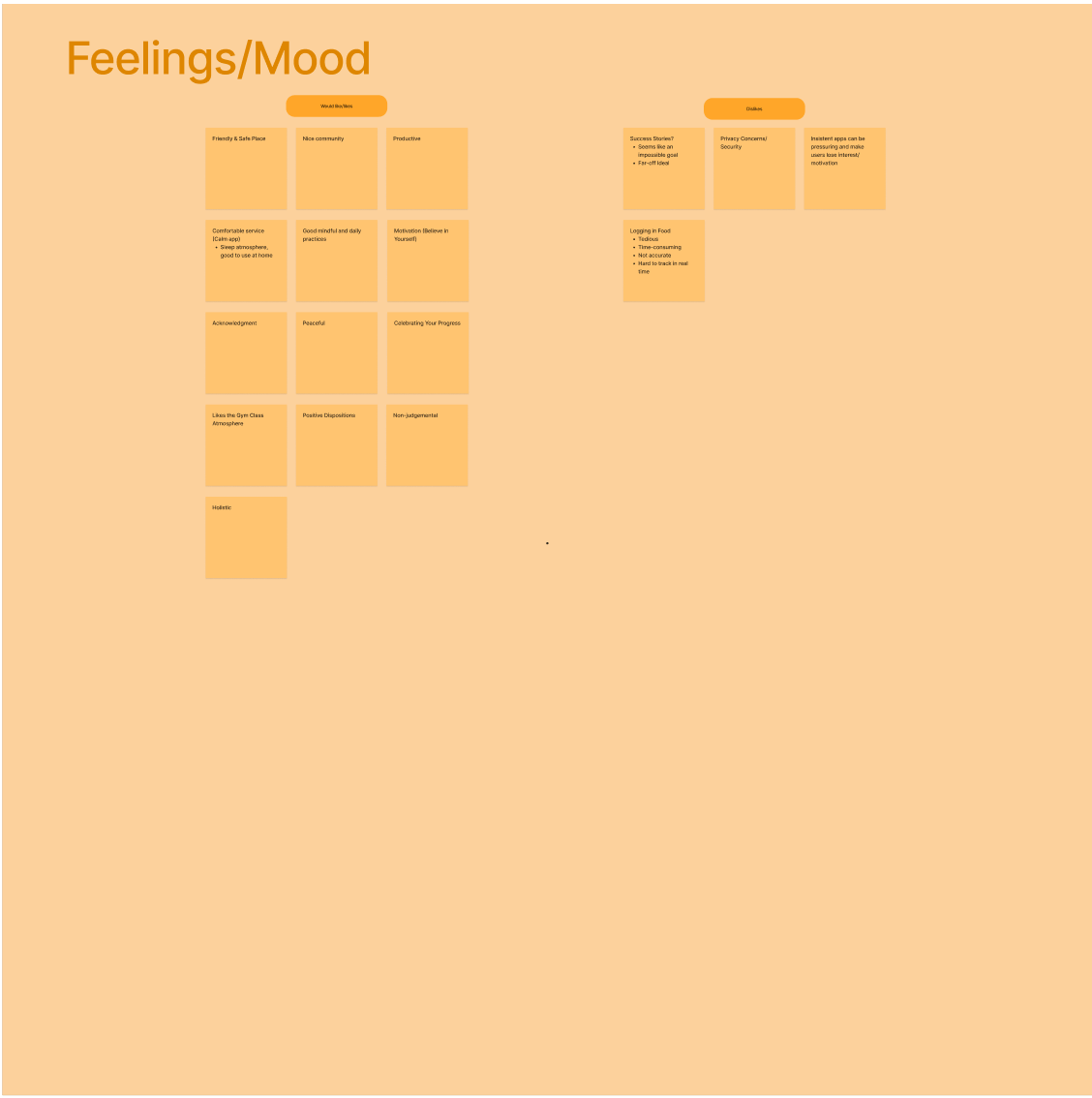
This image displays the notes that related to the common theme: Feelings/Mood. I segregated the many tiles into two sections presenting the Pros and Cons of that theme.
This image displays the notes that related to the common theme: Tracking/Progress. I segregated the many tiles into two sections presenting the Pros and Cons of that theme.
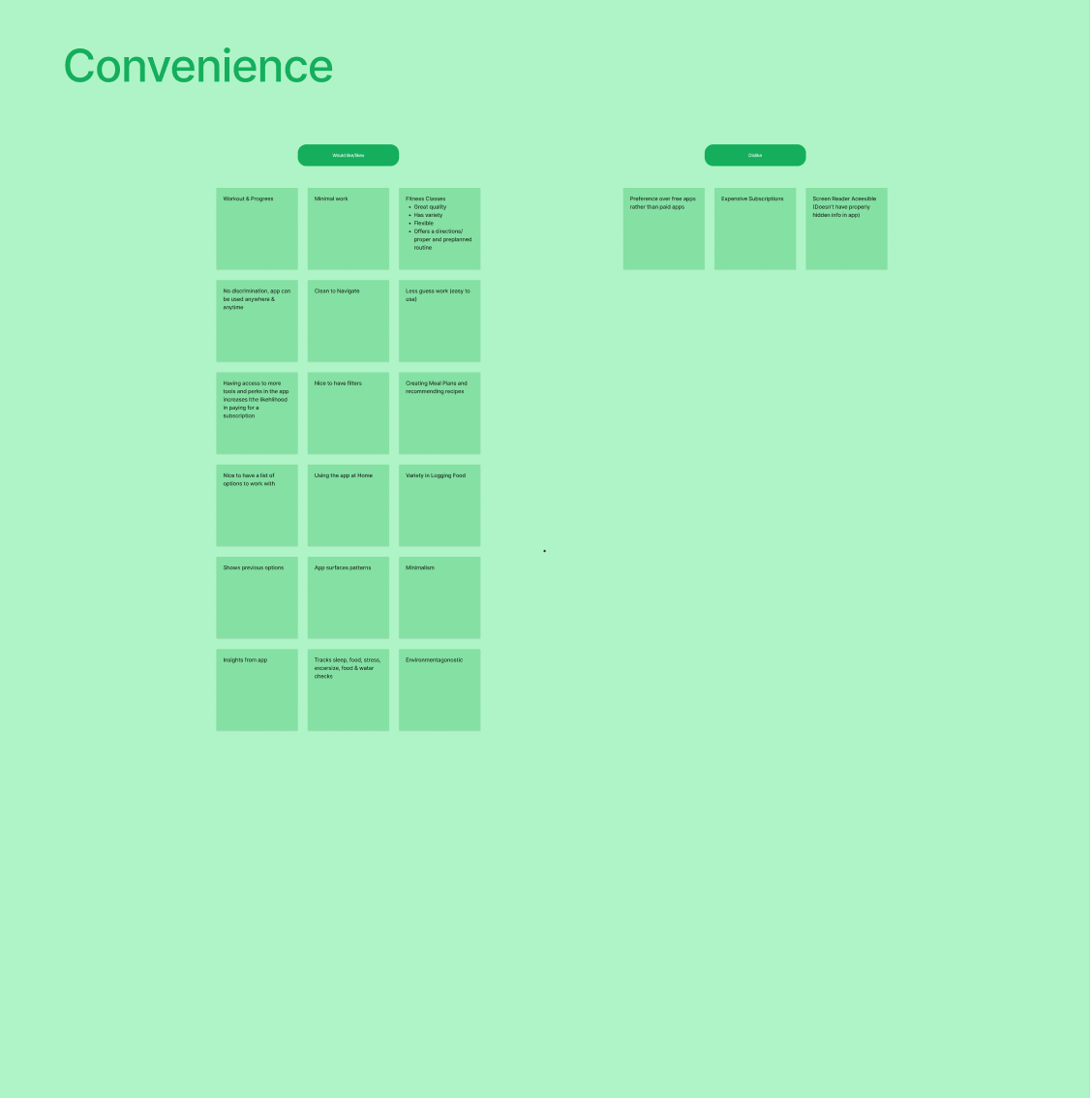
This image displays the notes that related to the common theme: Convenience. I segregated the many tiles into two sections presenting the Pros and Cons of that theme.
This image displays the notes that related to the common theme: Accessibility. I segregated the many tiles into two sections presenting the Pros and Cons of that theme.

Sketched Wireframes

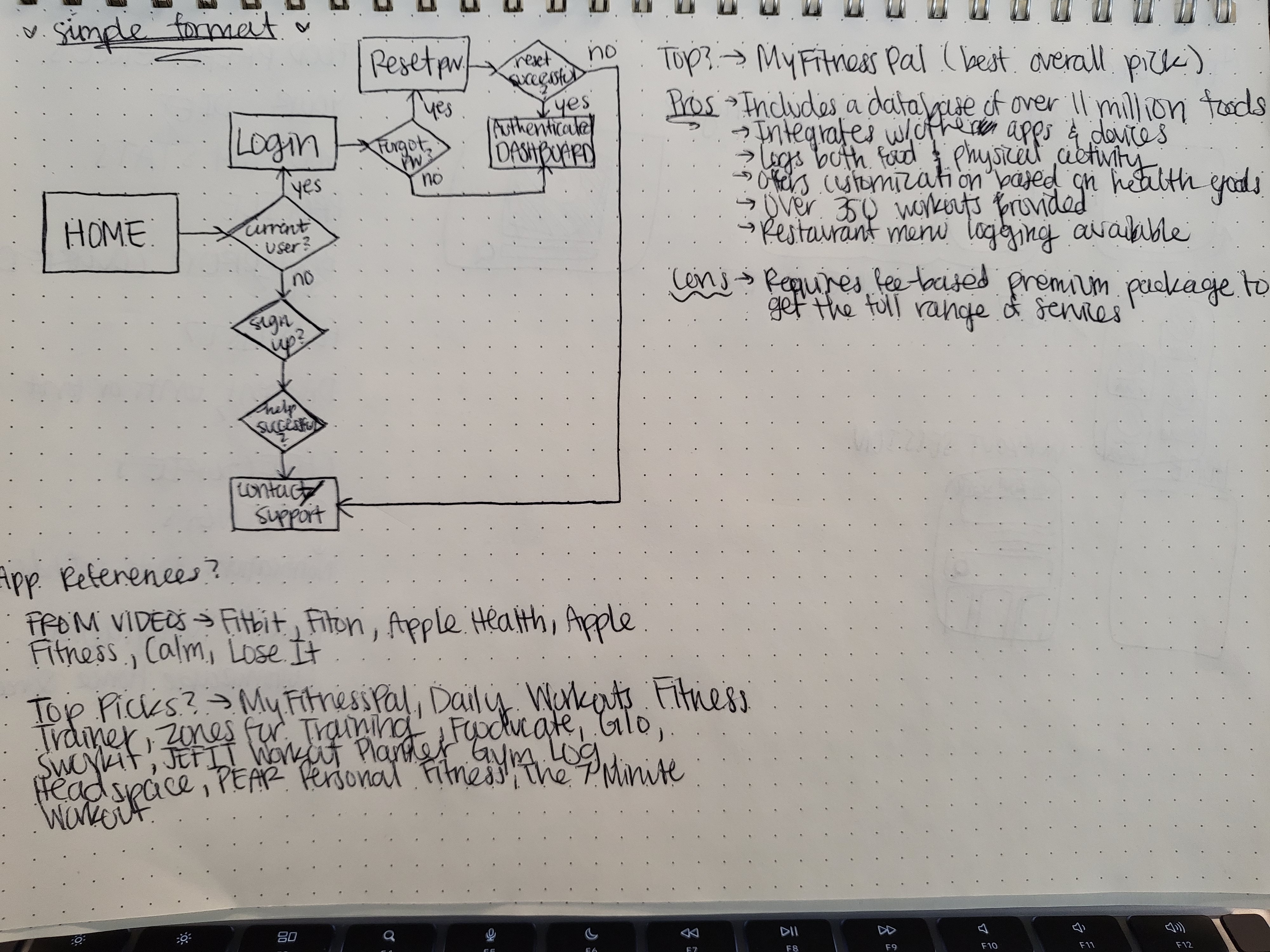
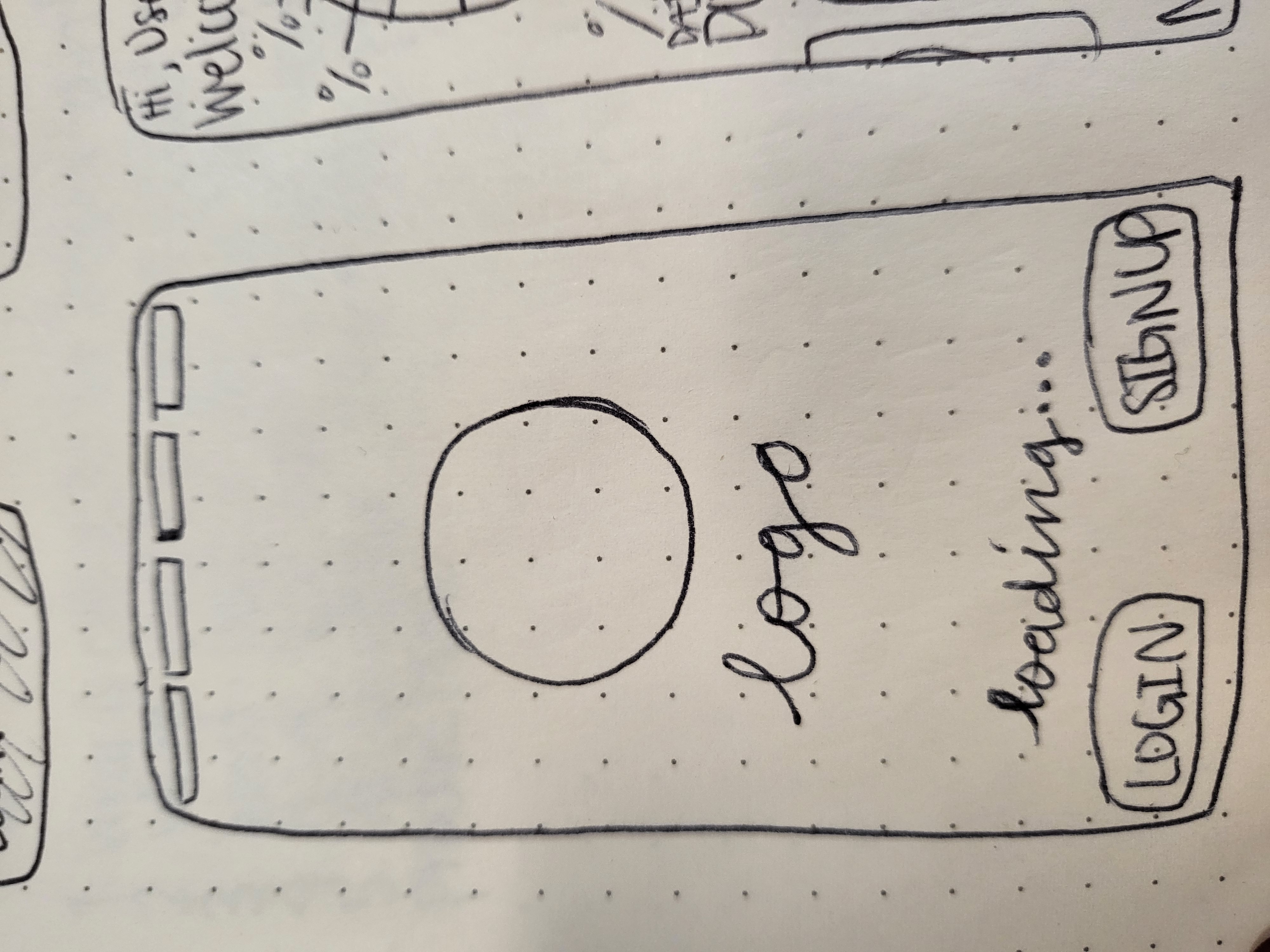
I created a user flow as well as a small template and sketch concepts on paper to map and construct my prototype onto Figma.

Digitized Wireframes

Through my research findings, I expanded on my low-fidelity sketch and created a mid-fidelity to high-fidelity version of it. I also incorporated some design features and concepts through the aesthetic.
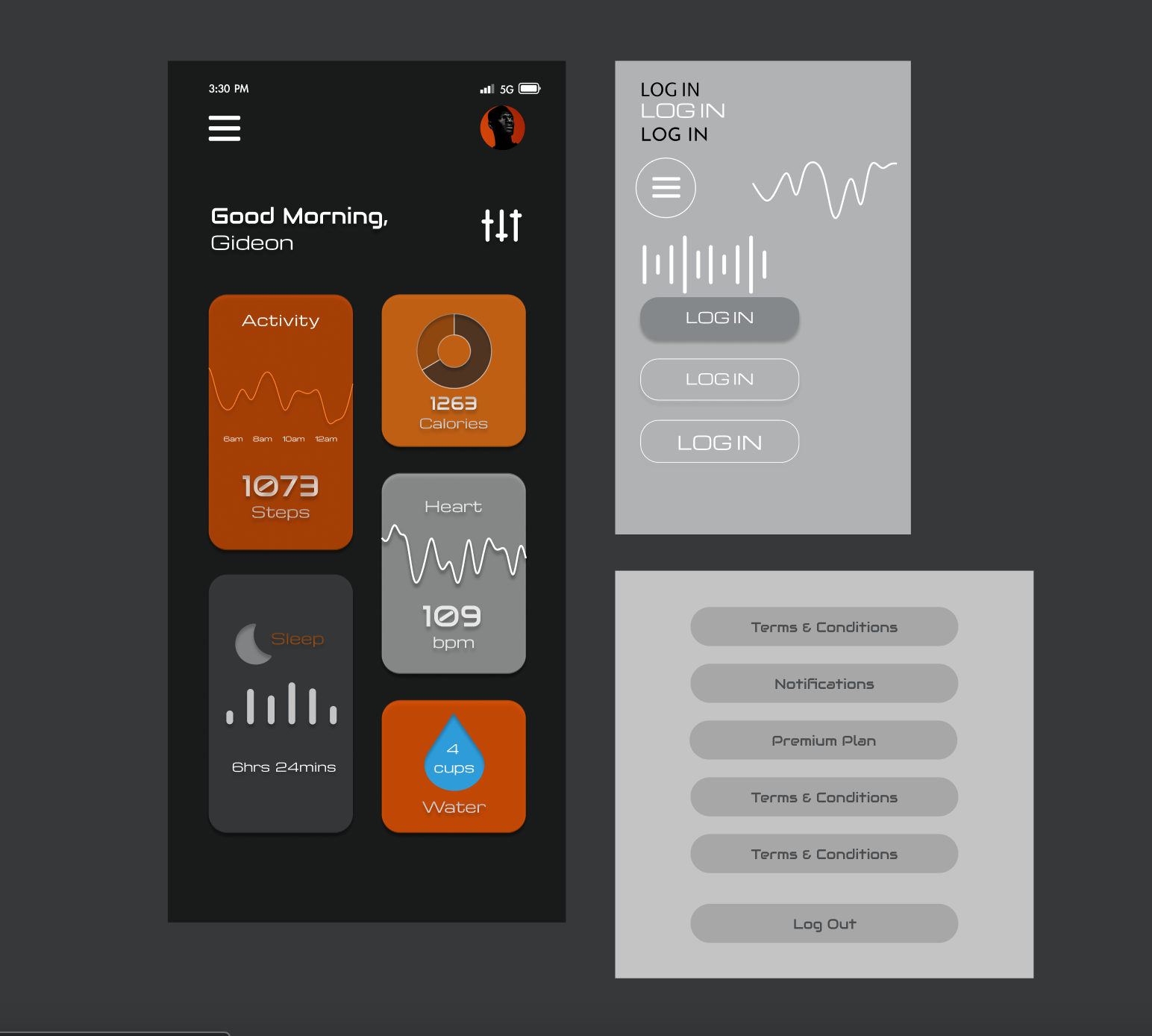
Concepts that I was working on while creating the mid-fidelity prototype.
Small experiments I did with themes and design concepts.

Interactive Prototype

Based off of the prototype, I created an interactive prototype by creating a user flow and creating a recording of my interactive prototype in action.
Check out a video of my interactive prototype in action!

Prototype Presentation

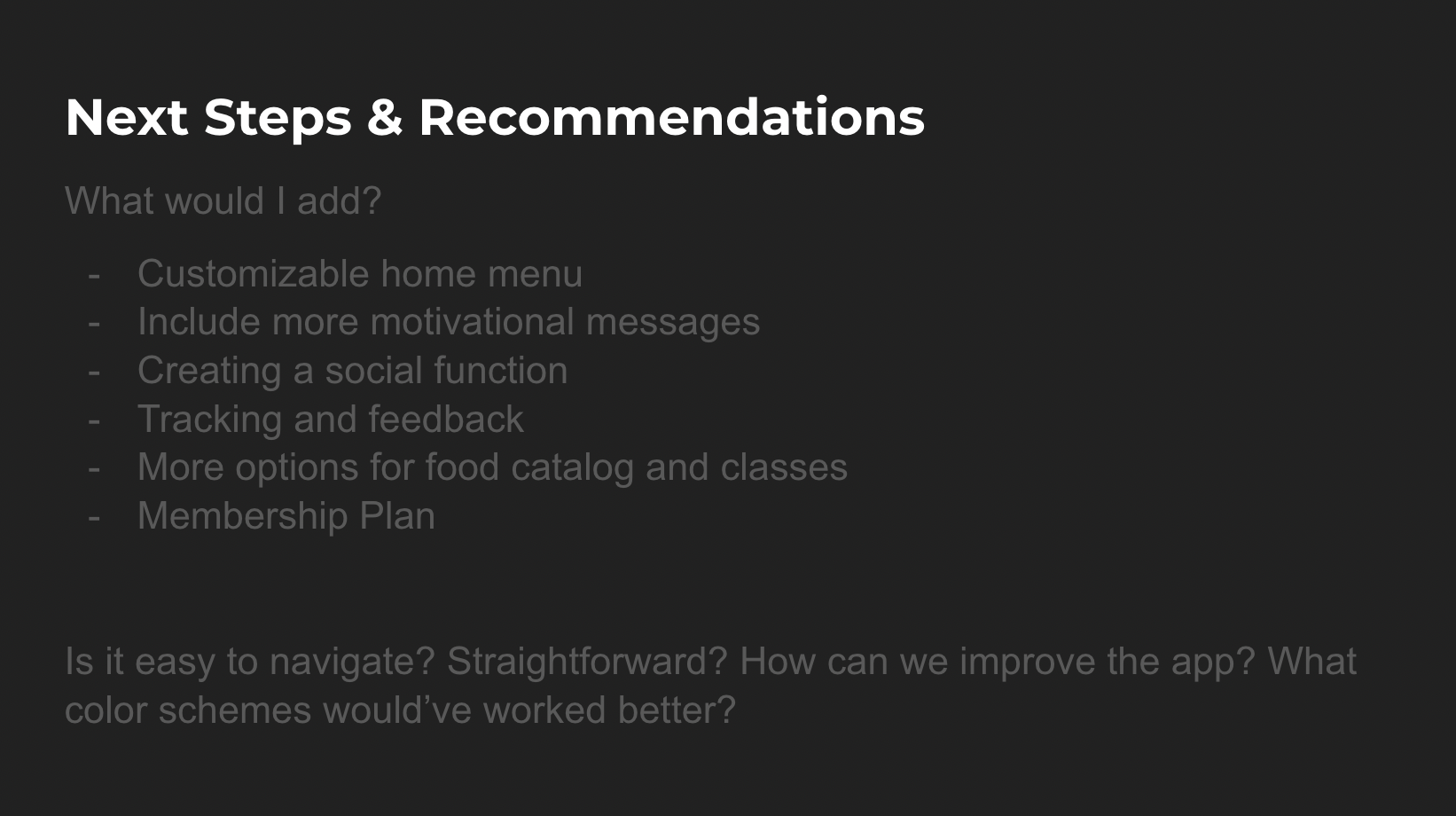
I created a prototype presentation to present and organize my findings and my prototype for my peers to review. The intention behind this presentation was to receive some peer feedback as well as constructive criticism towards my interactive prototype and apply the feedback to my prototype.

Want to get in touch?
Email me at:

xiong.siriyah@gmail.com